How it works
From group chat chaos to tip-off in six steps
Here's the whole flow — creating a league, inviting your crew, handling RSVPs, and walking onto the court to skill-balanced teams.
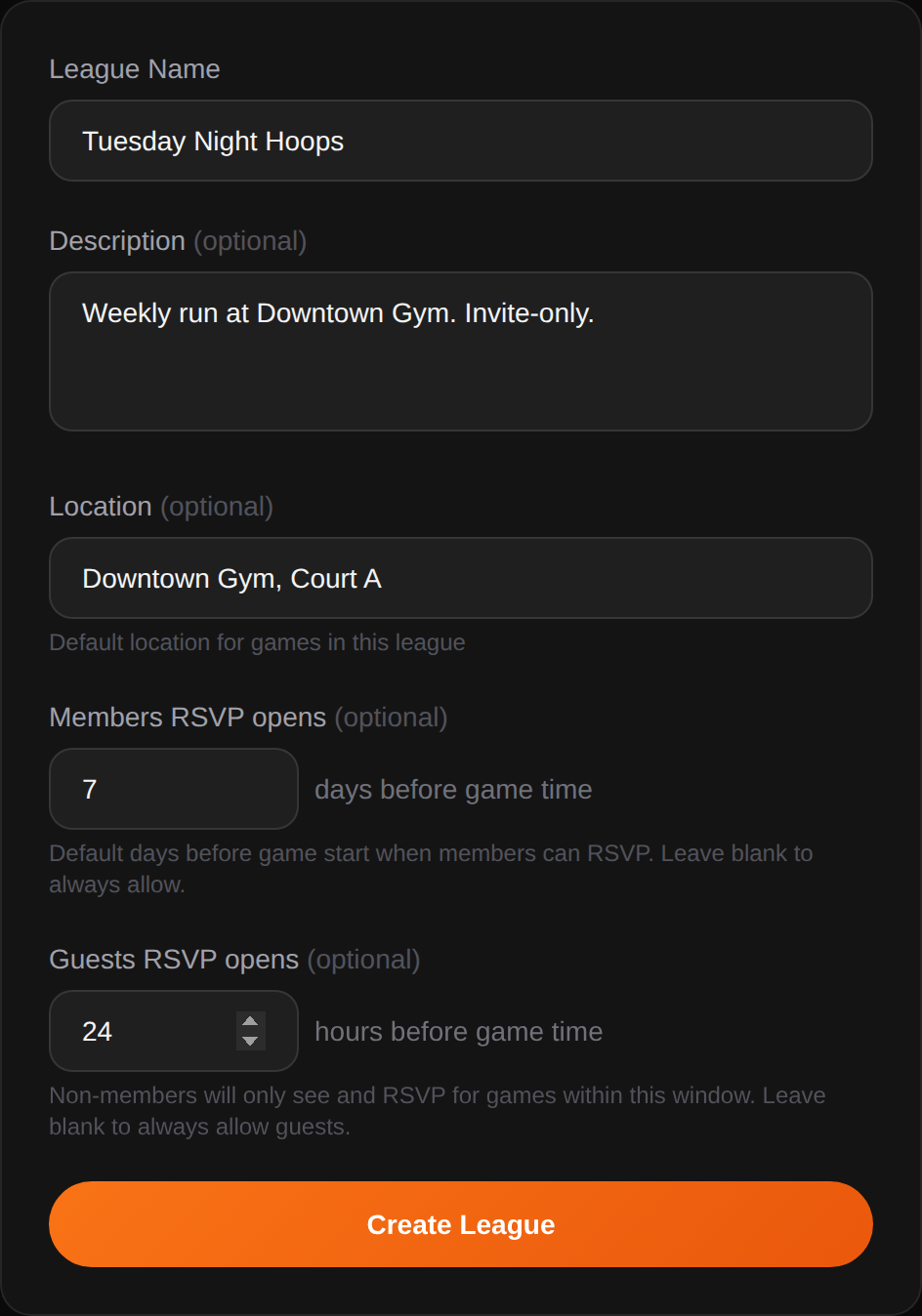
Create your league
Give it a name, set your default gym, choose how many players fit on the floor. You're live in under a minute — no plan selection, no billing screen.
- Invite-only by design — only your crew gets in
- Set RSVP windows per tier (members vs guests)
- Pick your default roster size (typically 10)
Invite your crew
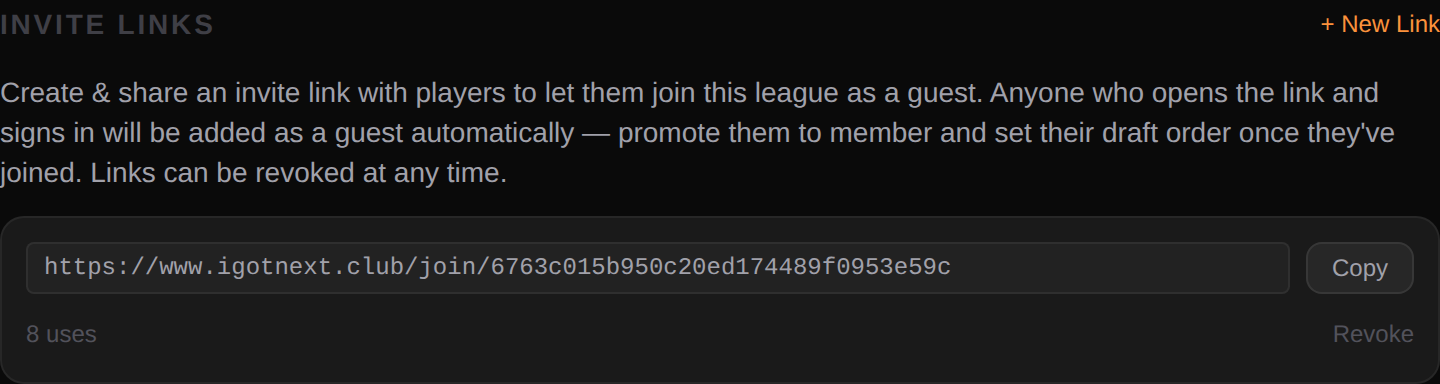
Generate a one-tap join link. Drop it in the group chat, Slack, or text. Players sign in once and they're in the league as guests — promote the regulars to full members whenever you're ready. No codes, no passwords to remember.
- Shareable invite links with optional expiry
- Cap usage per link to prevent leaks
- Revoke a link instantly if it gets out
Schedule a run
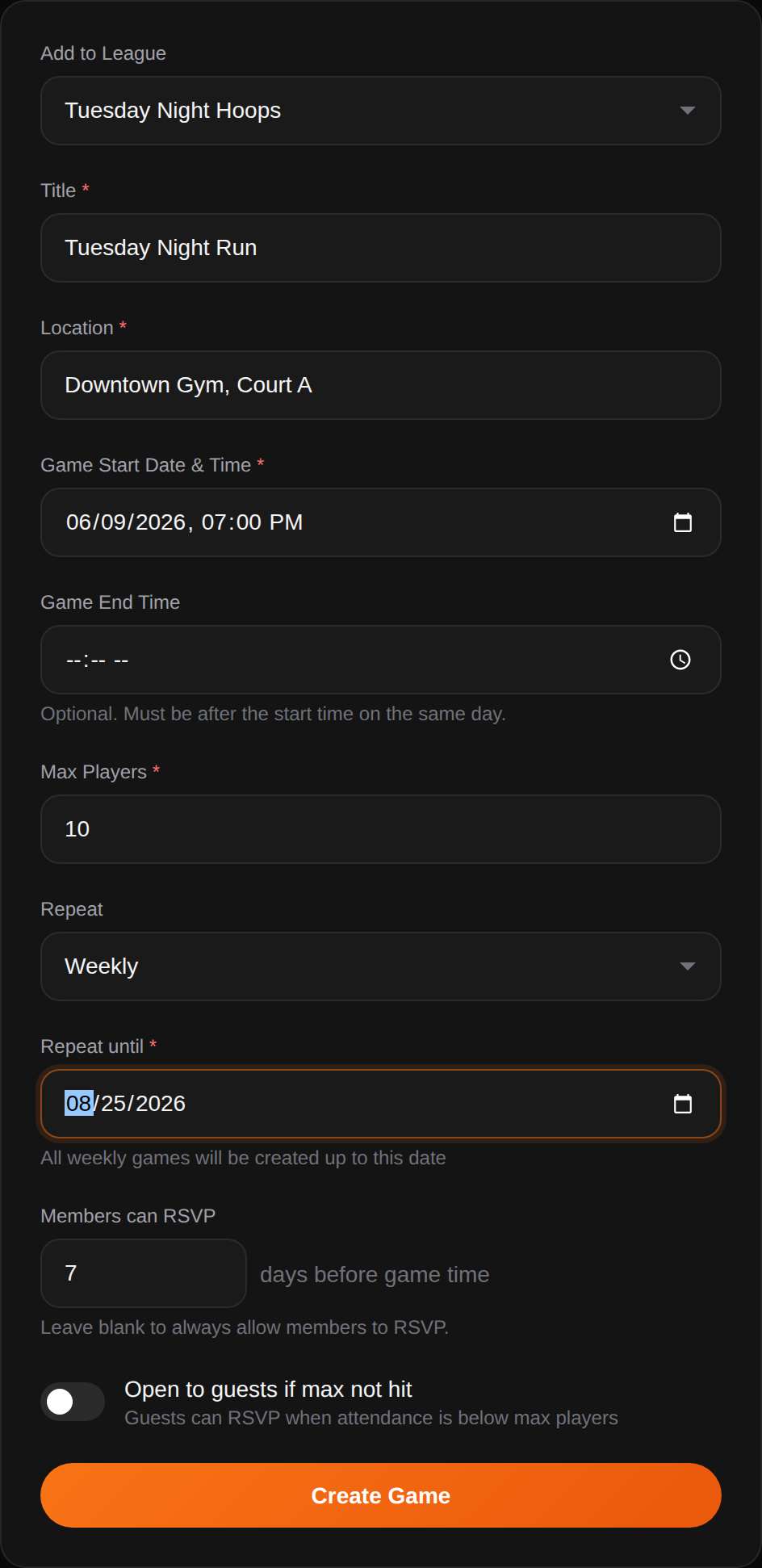
Pick a date, set the tip-off time, confirm the gym. Publish the game and RSVPs open automatically based on your window rules — or set it to repeat weekly and spin up the whole season in one submit.
- Repeat weekly or monthly to fill the calendar at once
- Set a hard player cap to trigger the waitlist
- Members get first dibs, guests unlock later
Players RSVP themselves
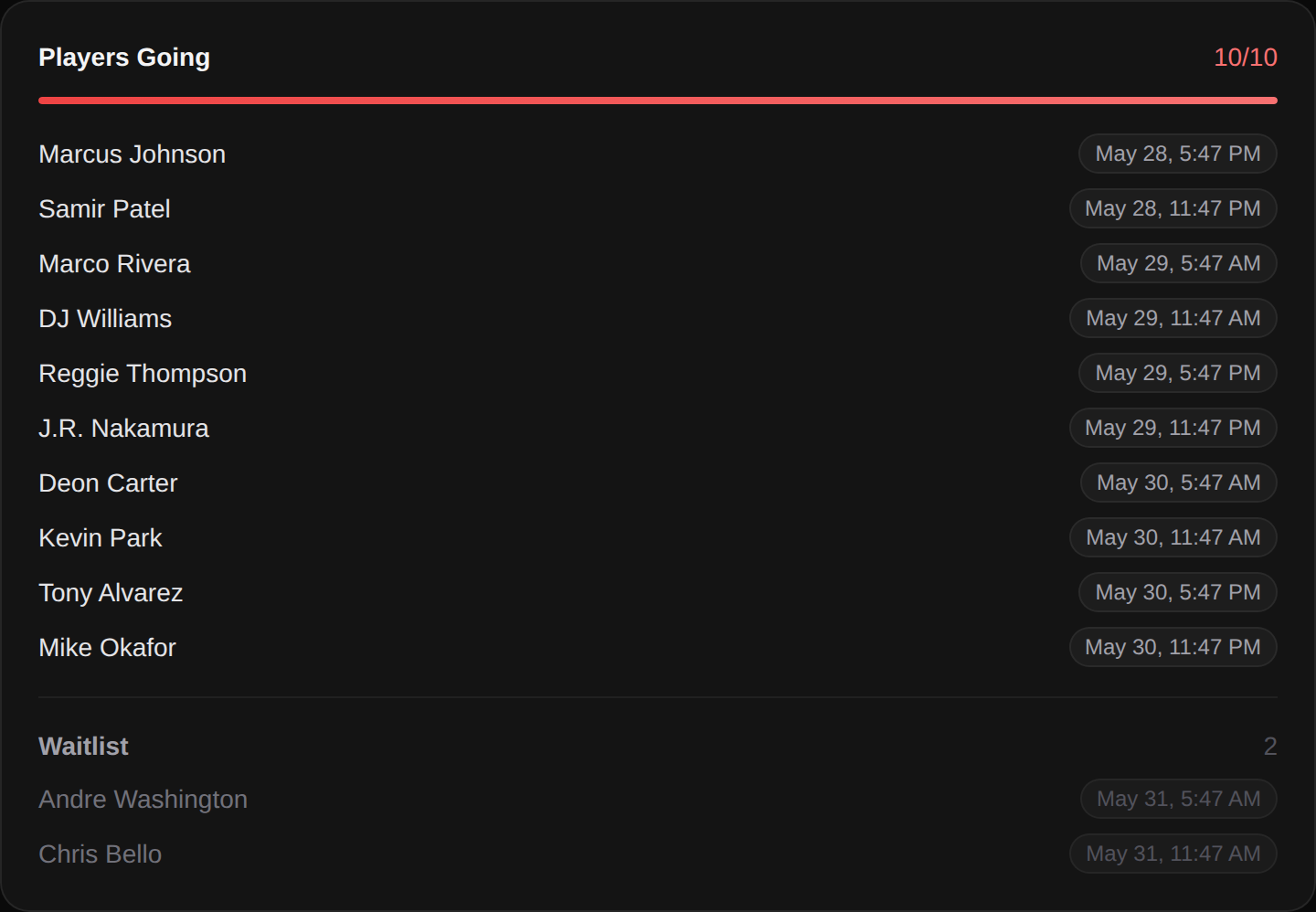
Your crew taps In, Out, or Maybe. When the roster fills, overflow rolls onto the waitlist automatically — and gets promoted the moment someone drops.
- Live headcount, no spreadsheet needed
- Automatic waitlist promotion on drop-outs
- See exactly who's in, out, and on the bubble
Check in courtside
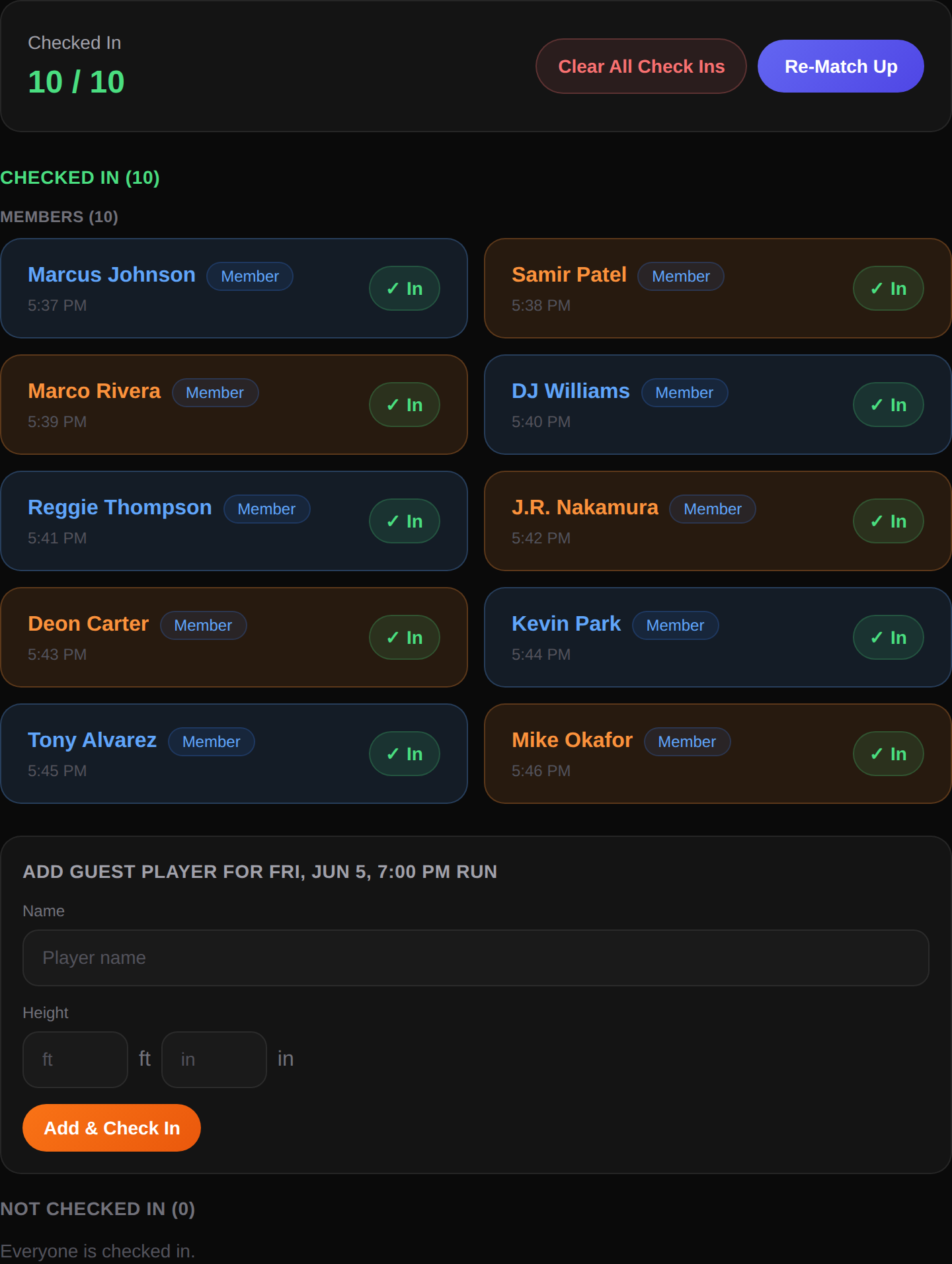
When players walk into the gym, they tap check-in on their phone. You see the roster fill in real time — so you know exactly when you've got ten for a run.
- Check-in opens 30 minutes before tip
- No-shows clear the way for the waitlist
- Commissioners can check in guests manually
Teams auto-balance on 10
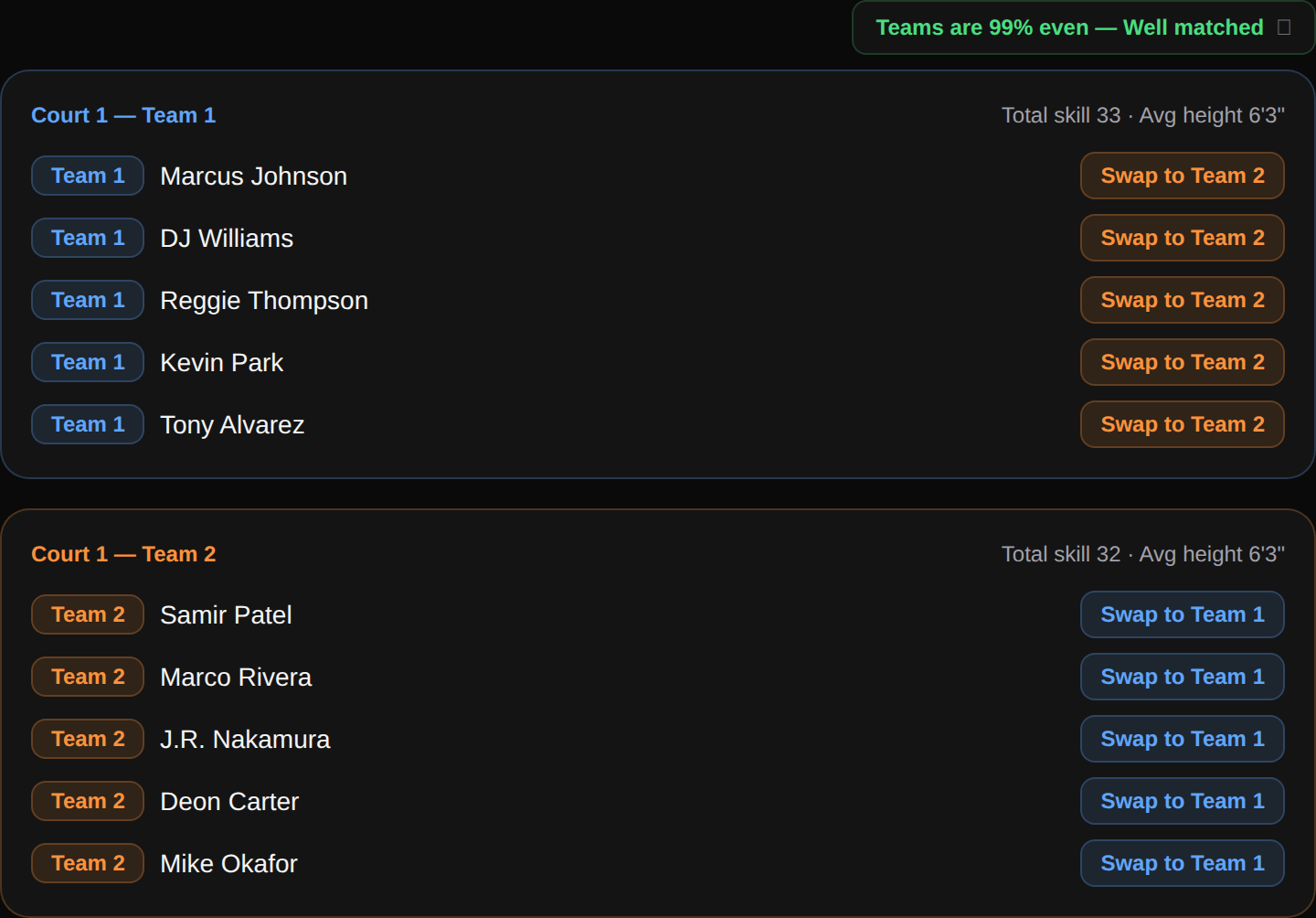
The second the tenth player checks in, iGotNext splits the floor into two balanced teams — scored on both skill rank and height at the same time, so the sides are even on paper and in the paint. You keep the court, not the clipboard.
- Skill ranks and player heights are set on the league roster
- Skill vs. height weighting is tunable per league (70 / 30 default)
- Each side shows a Team Balance Score and average height
- Works for the next 10 too — up to 20 per run
Ready to run the court?
Free to start. Free for your players. The whole flow above — up and running in under five minutes.